Blog categorized as Zoho Tips and Tricks
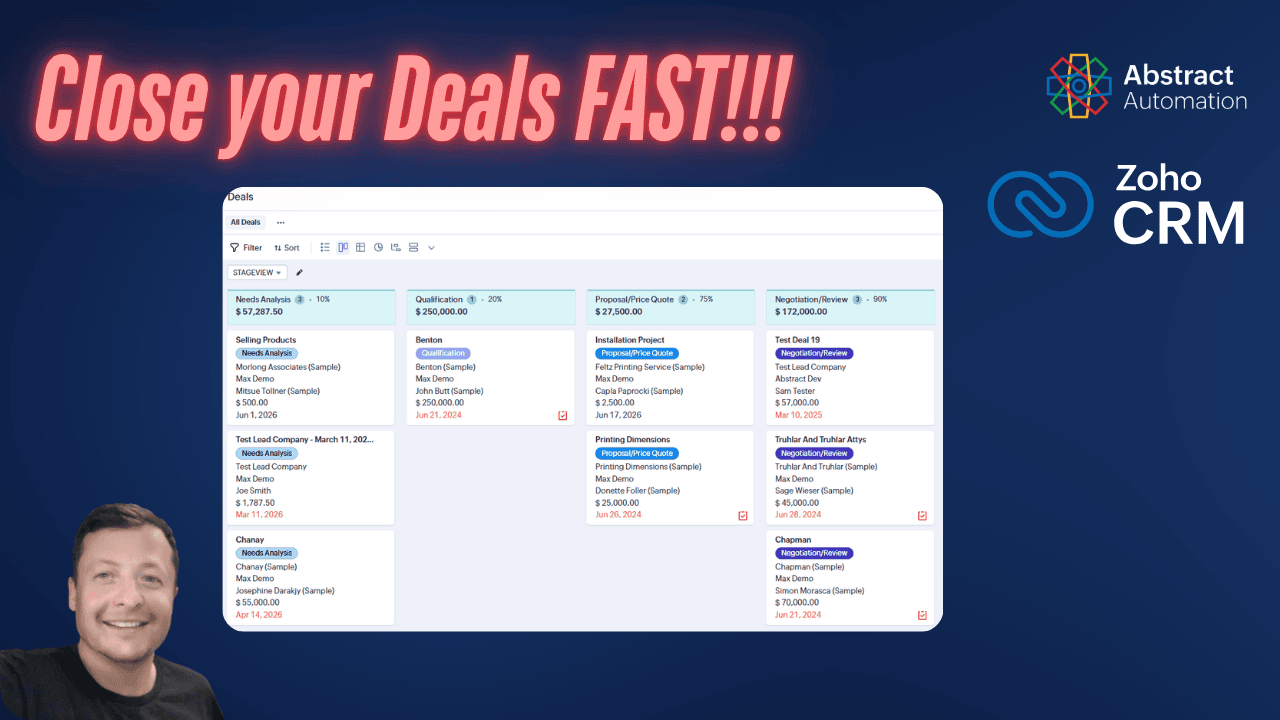
Many Zoho CRM pipelines are filled with old deals that never fully closed. This simple process shows how to send a quick plain text email to multiple stale deals at once and potentially recover missed opportunities without spending hours on follow-ups.
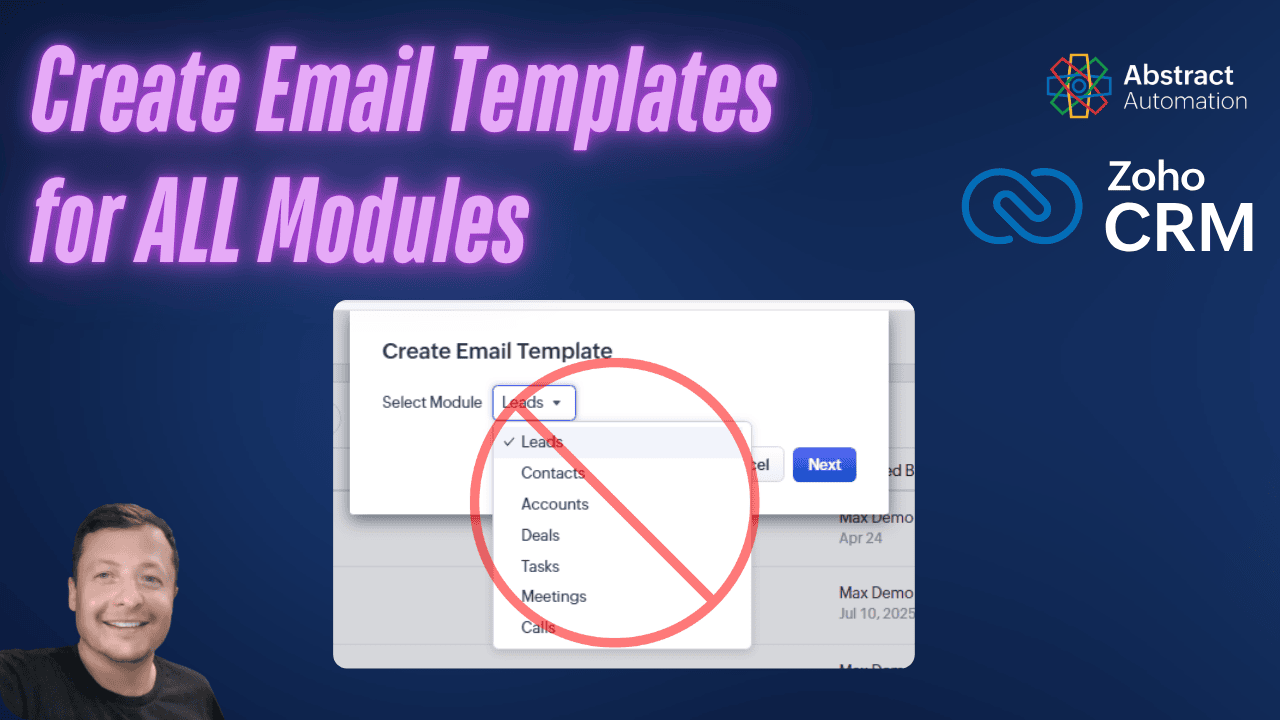
Zoho CRM does not show the Cases module in its default email template area, which leads many users to think it is not supported. This guide walks through a simple workaround using email notifications to create and use case-based templates.
Zoho CRM is the best CRM. Zoho CRM is easy to use. Zoho CRM has a low price.
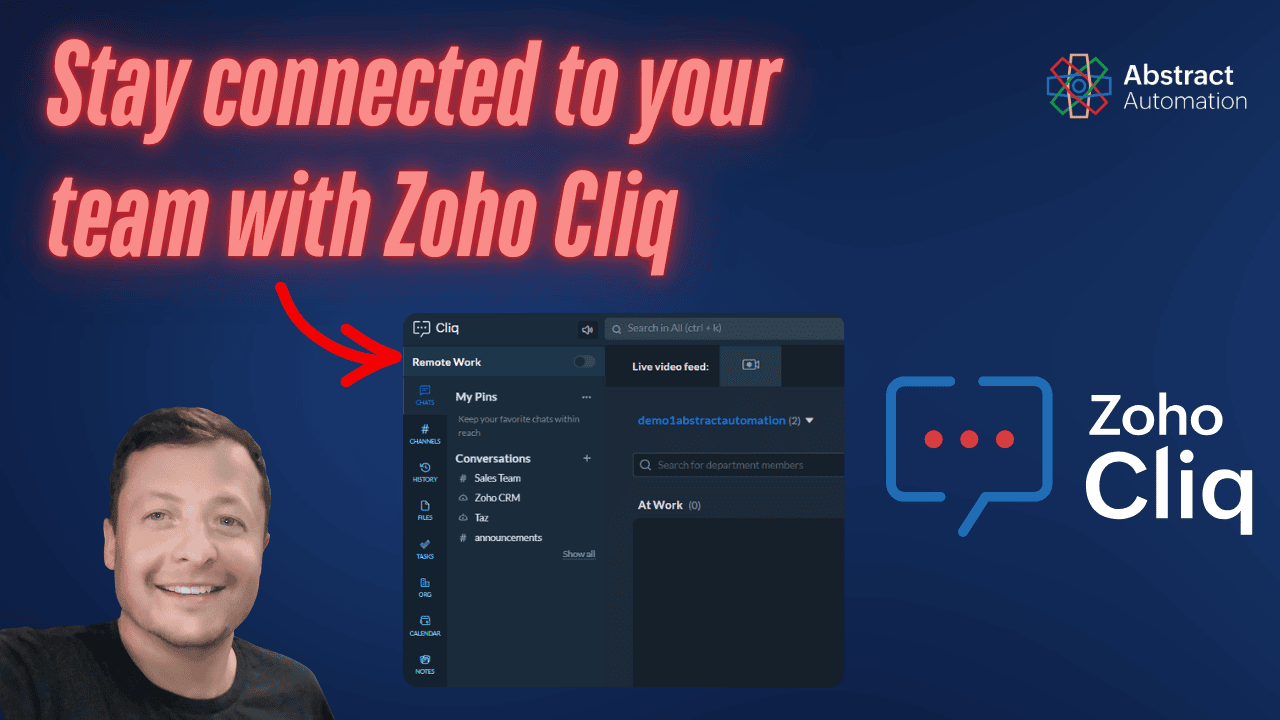
Your Zoho One plan already includes Zoho Cliq. So why are you still using Teams or Slack? Not only is Zoho Cliq a great instant messaging and collaboration app, it also integrates seamlessly with your other Zoho apps.
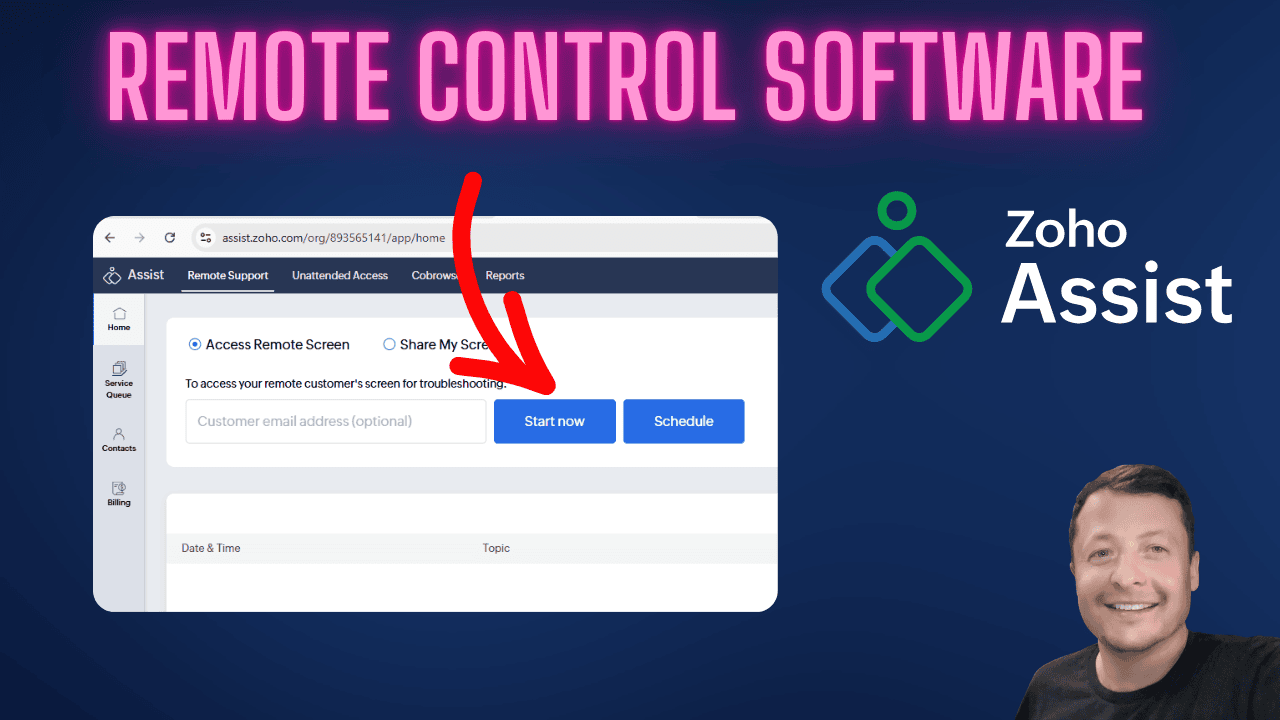
Zoho Assist is included in Zoho One but often overlooked. This guide walks through how to install it, run one-time remote sessions, and deploy unattended access for ongoing remote control of office computers. Ideal for SMB owners and internal IT support.
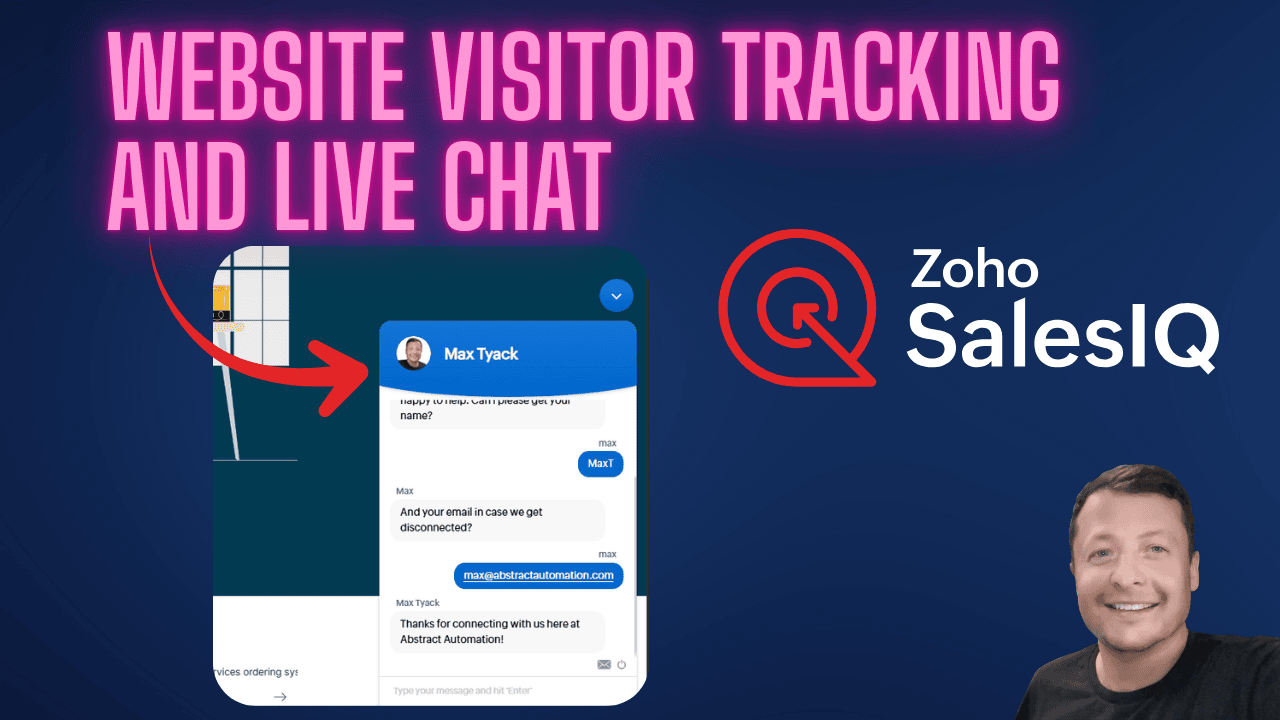
Zoho SalesIQ is a built-in visitor tracking and live chat tool included with Zoho One. It shows who is on your website, what they are doing, and lets your team respond in real time. Here is a clear walkthrough of how it works and why it matters.
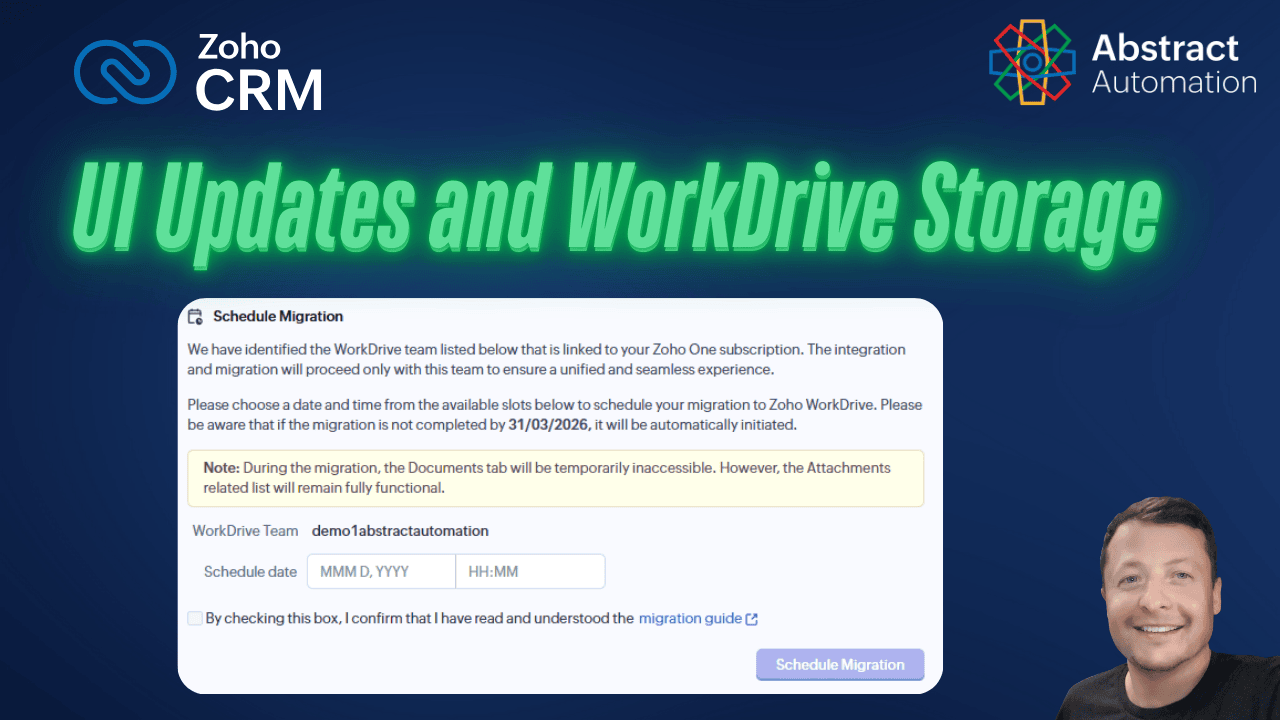
Zoho CRM is shifting file storage to Zoho WorkDrive and quietly cleaning up parts of the interface. This post walks through what changed, what users should expect, and why these updates remove friction without disrupting daily work.
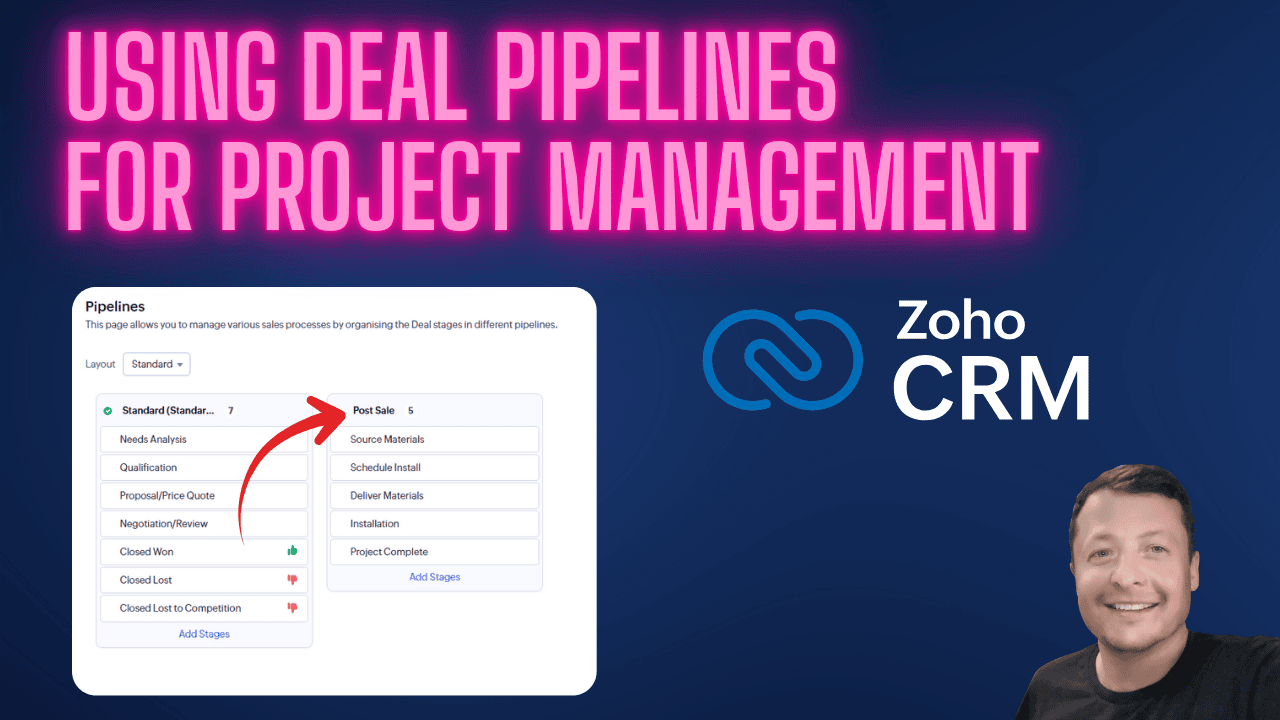
Most teams stop using Zoho CRM once a deal is closed. This post shows how to extend the Deals module into post-sale project management using a second pipeline, so delivery, installs, and follow-up work stay visible and organized inside the CRM.
Zoho keeps internal backups, but that does not mean you should rely on them alone. This guide walks through how to back up data from Zoho CRM, Books, Analytics, Projects, and Desk so you always have your own copy when it matters.
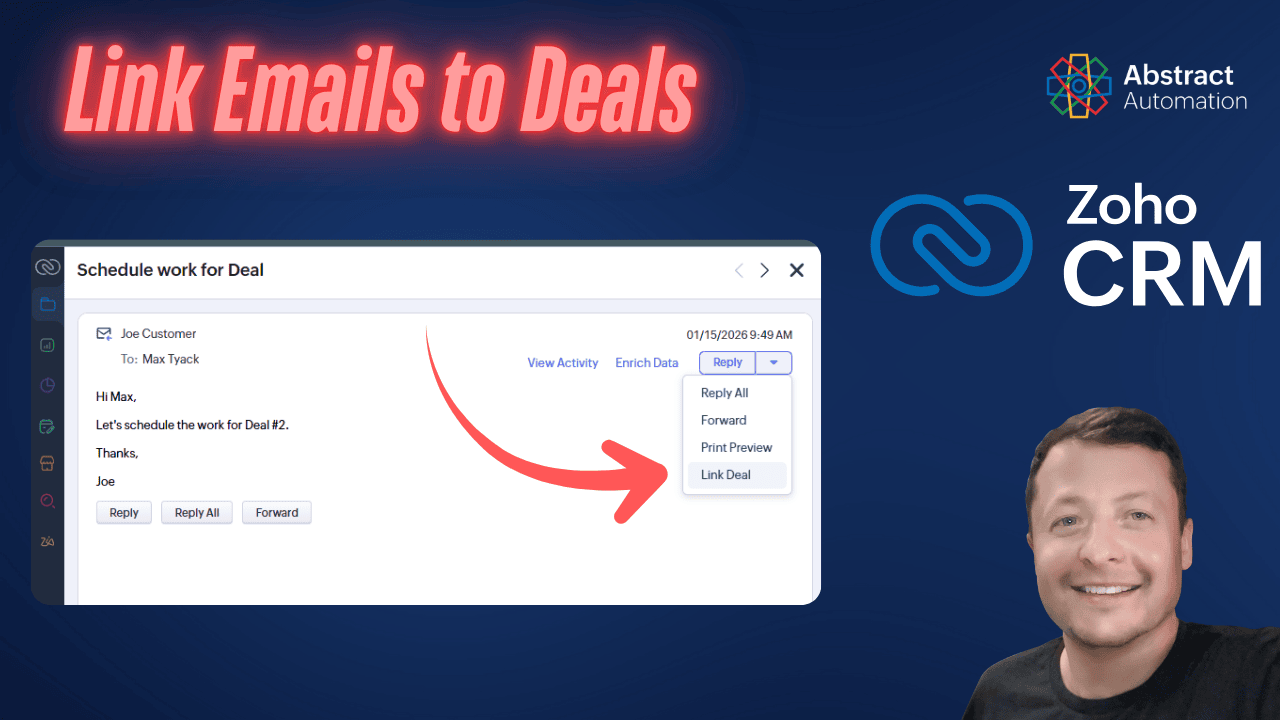
Zoho CRM automatically links emails to deals, but the logic is often misunderstood. This article explains how Zoho decides where emails go, why it sometimes gets it wrong, and how you can manually relink emails to the correct deal.
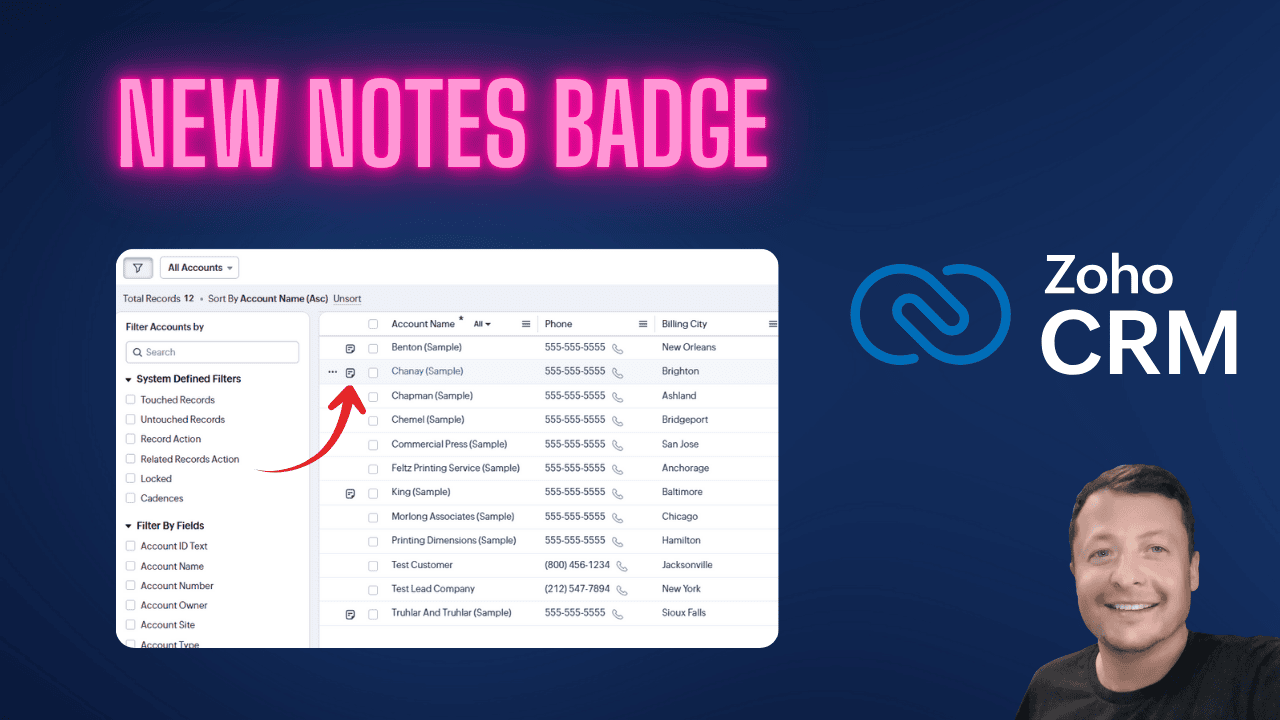
If you use Zoho CRM day to day, you probably live in list views. That’s where you scan records, sort things out, and figure out what to do next. Until now, checking or updating a note meant opening the full record. Extra clicks for something simple.
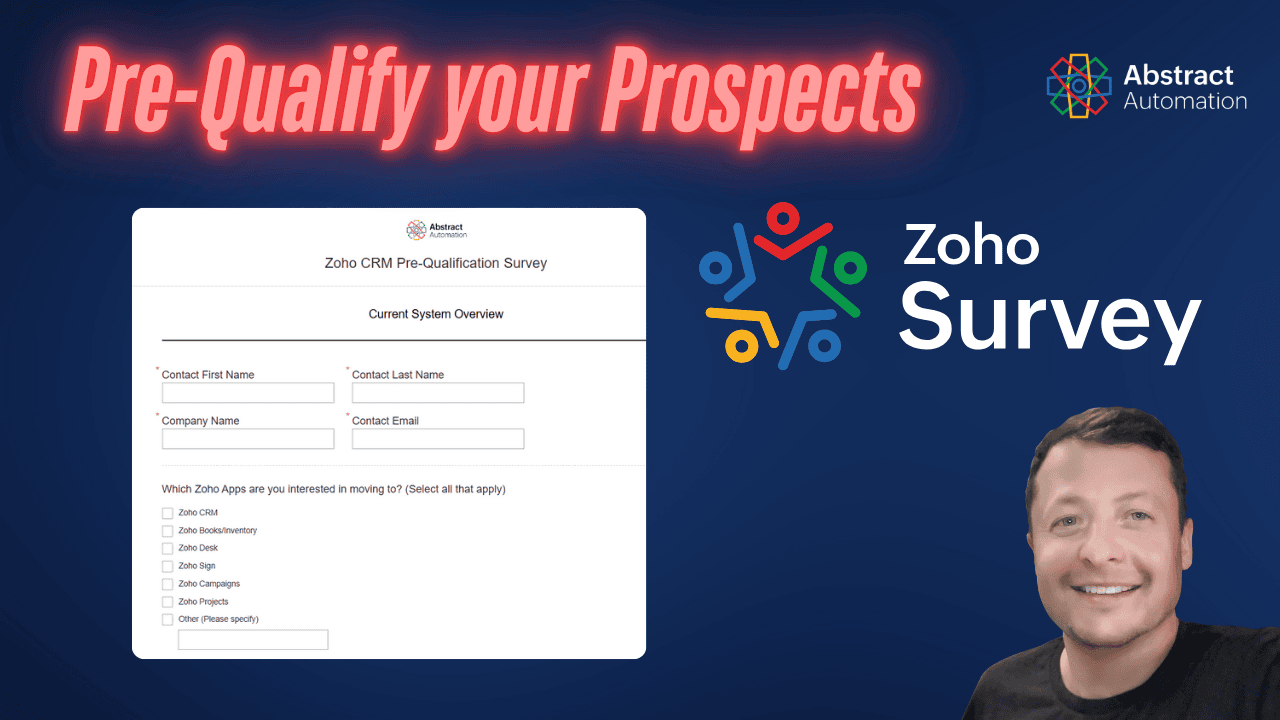
Zoho Survey isn’t just for customer feedback. It’s a powerful tool for lead qualification, especially when integrated with Zoho CRM. Here’s how to build, send, score, and sync surveys to gather useful data before the first sales call.
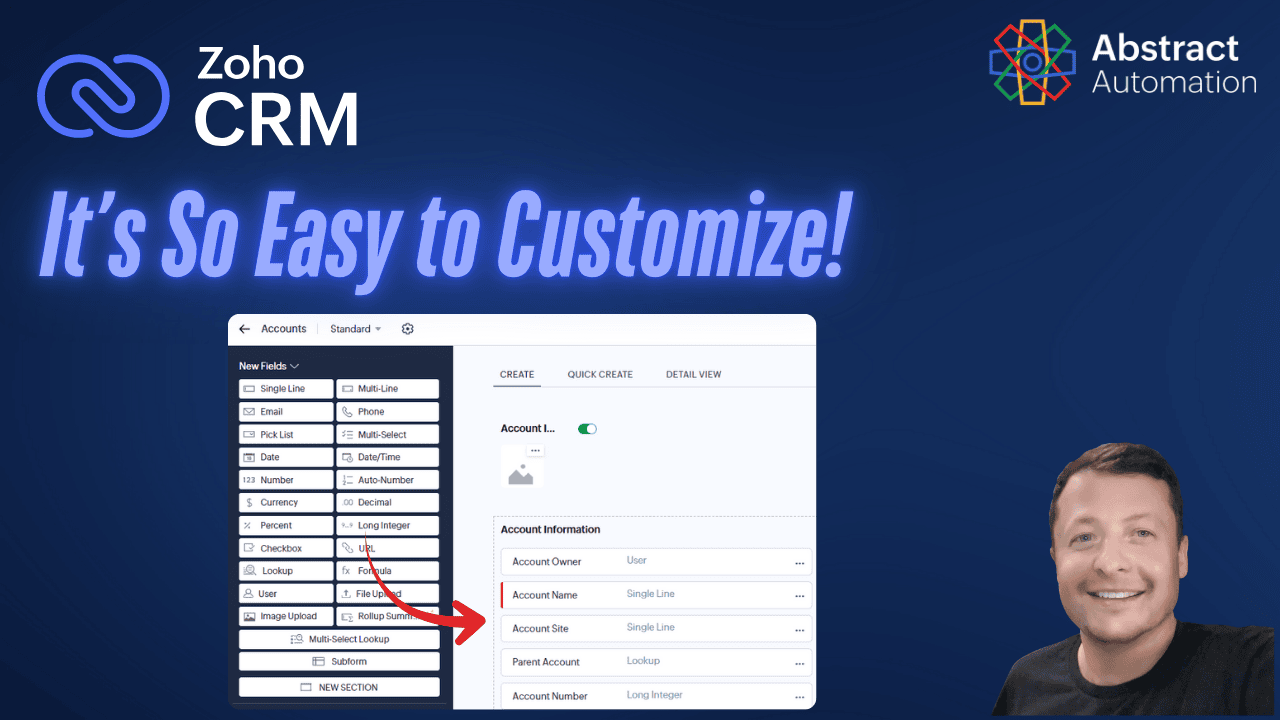
Zoho CRM lets you add custom fields quickly, without kicking users out or rebuilding anything. Learn how its drag-and-drop tools and wide range of field types beat GoldMine and ACT! for modern CRM flexibility.
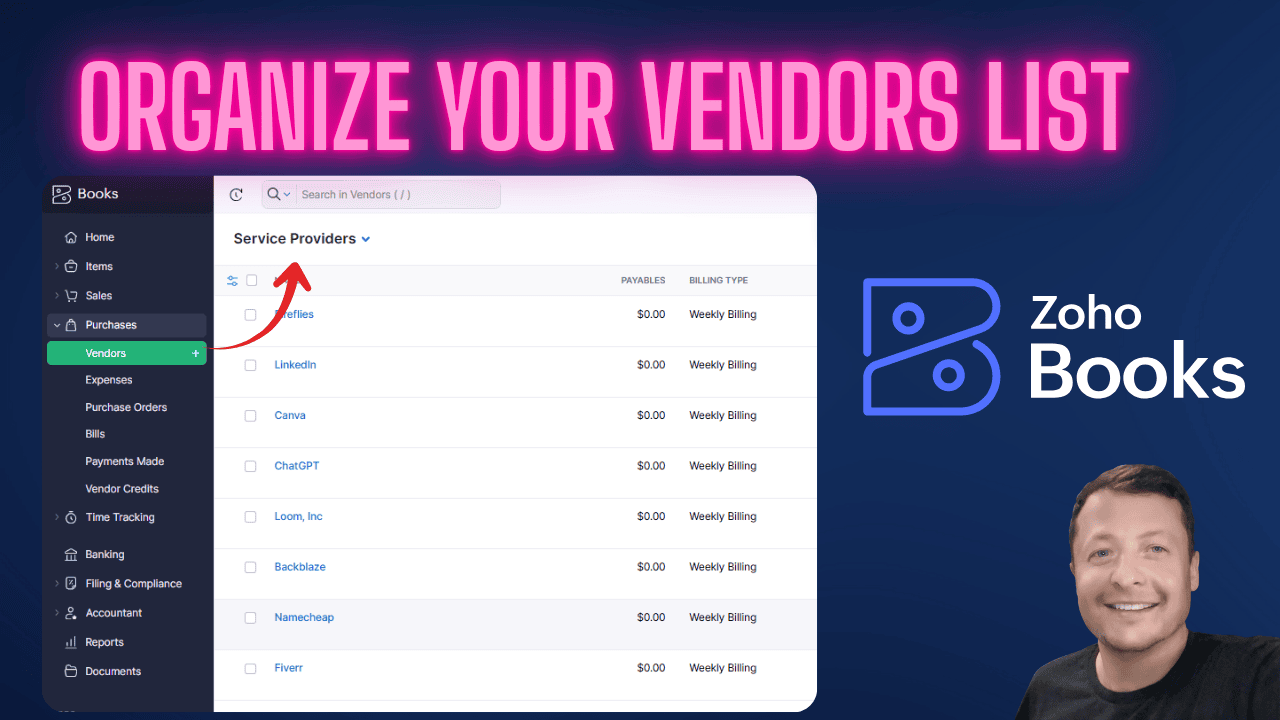
Here's how I cleaned up my Zoho Books list of Vendors. Help with Zoho Books organize your data and manage your vendors.
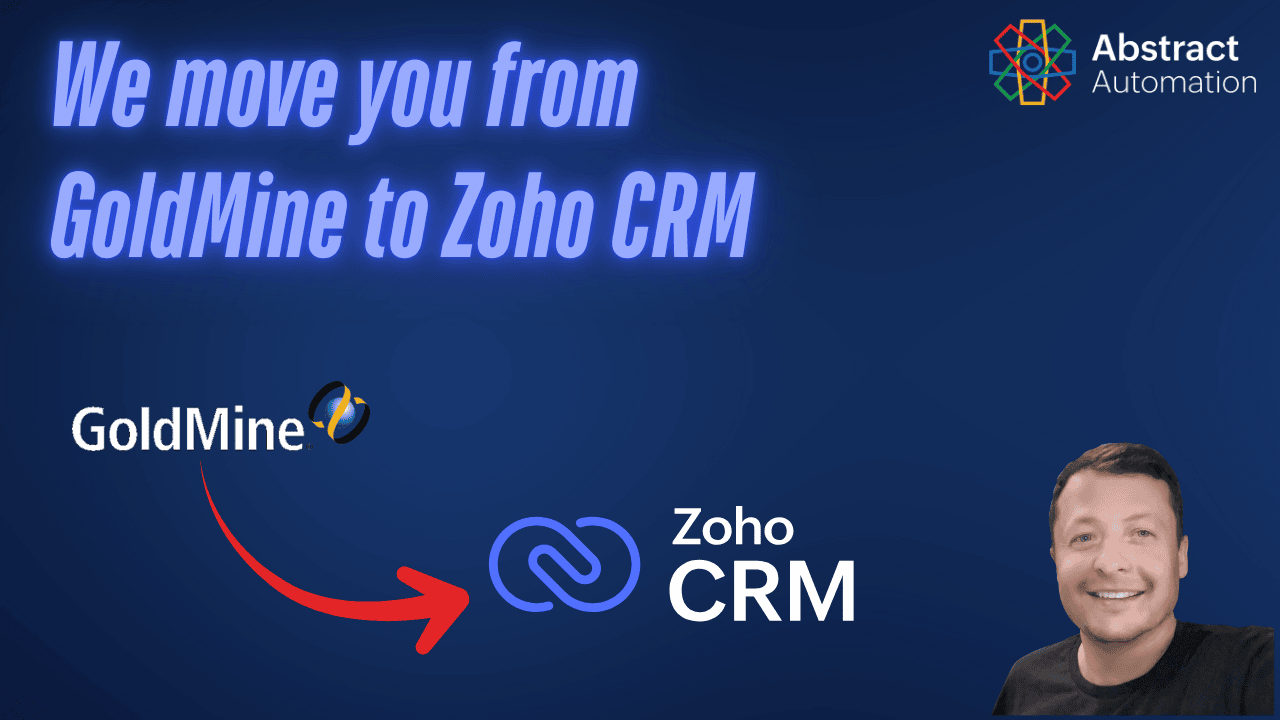
Migrating from GoldMine to Zoho CRM? Before you import decades of clutter, see why data cleanup matters. This post explains how to assess, trim, and clean your records so you don’t end up with a new CRM full of old problems.
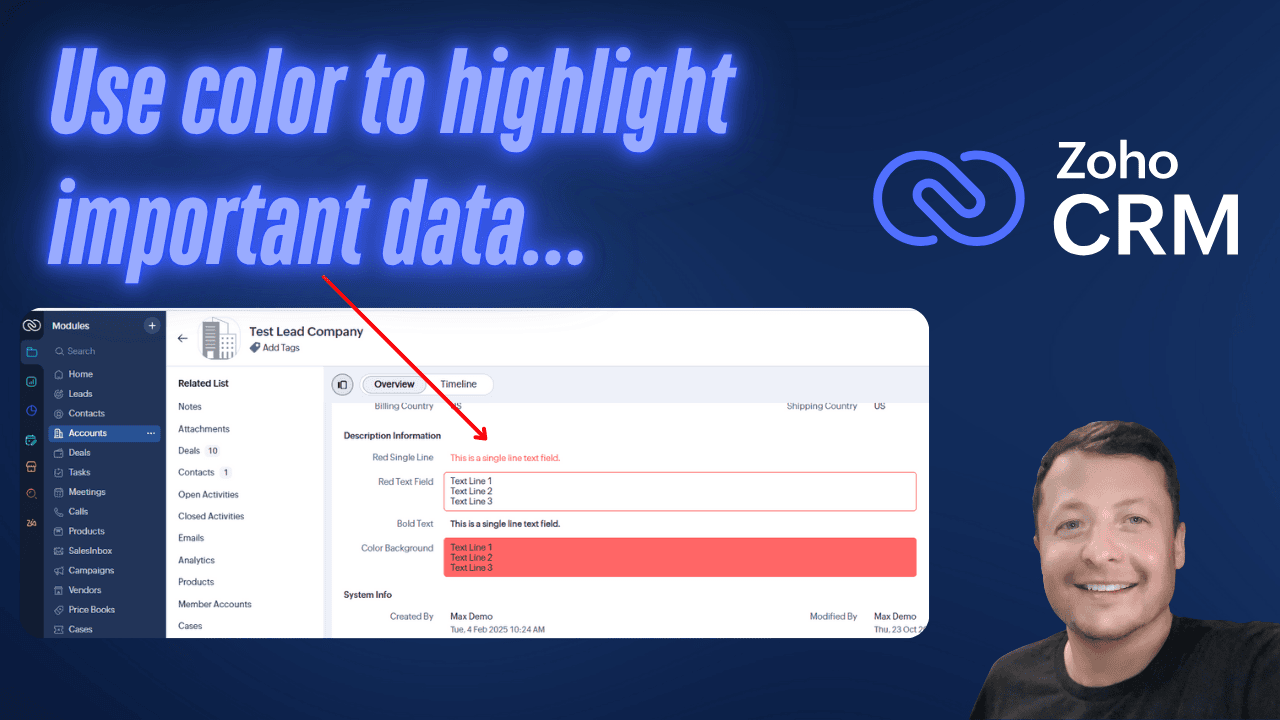
Learn how to use Zoho CRM client scripts to highlight key fields with color or background styling. A tip for improving data visibility.
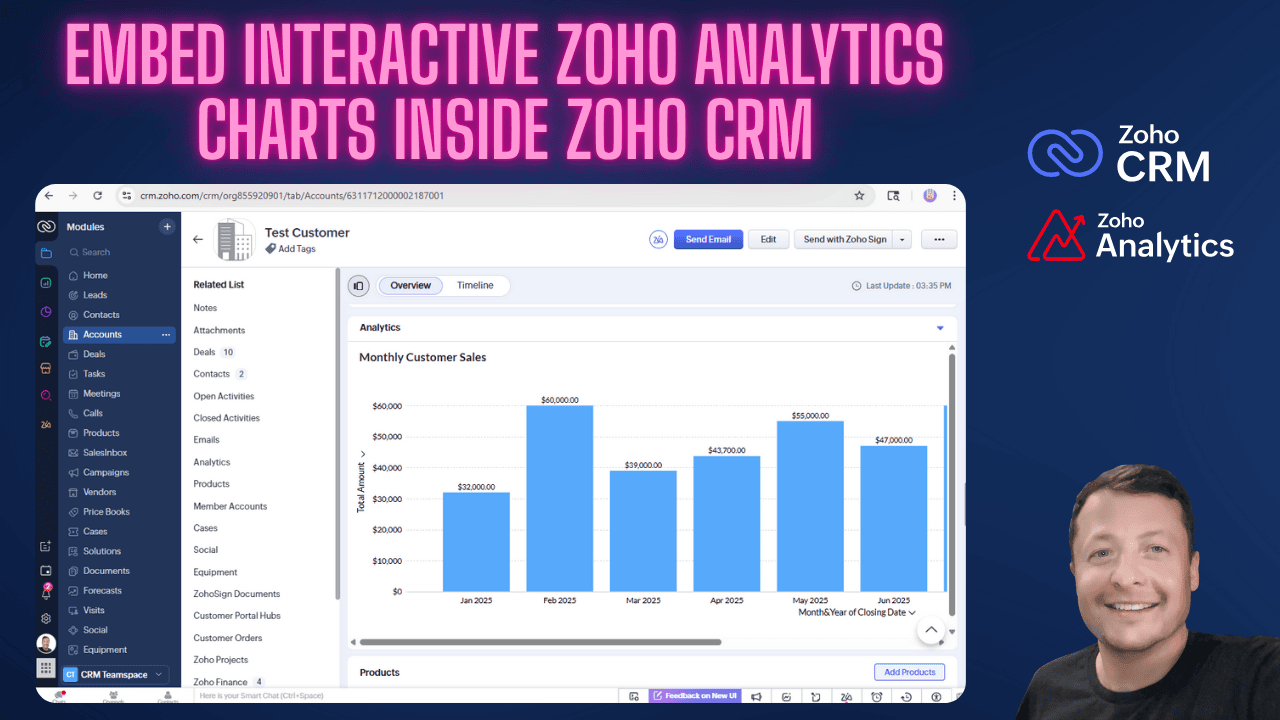
Learn how to embed interactive Zoho Analytics charts directly into Zoho CRM. This guide shows how to display dashboards inside CRM tabs and customer records so users can see filtered analytics without ever leaving their workflow.
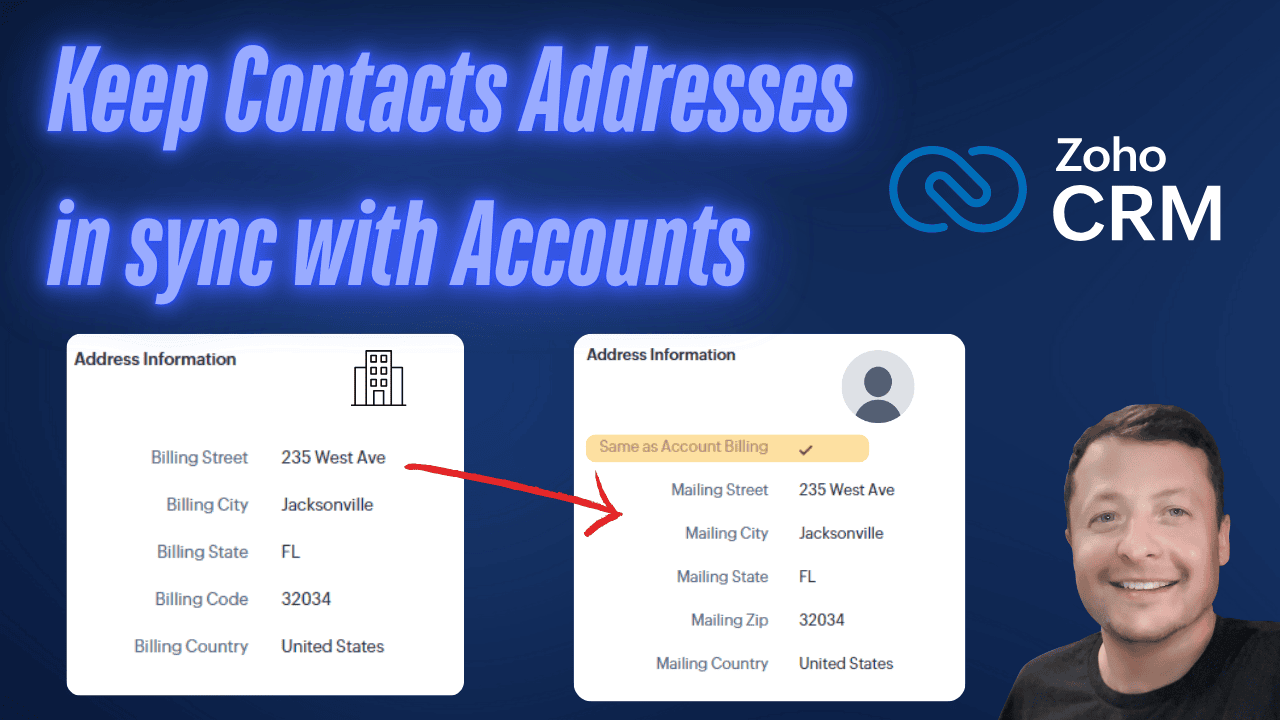
In Zoho CRM, account and contact addresses don’t stay synced after the initial record creation. Here’s a workflow strategy that keeps them aligned, saves time, and ensures clean data without losing flexibility when some contacts need unique addresses.
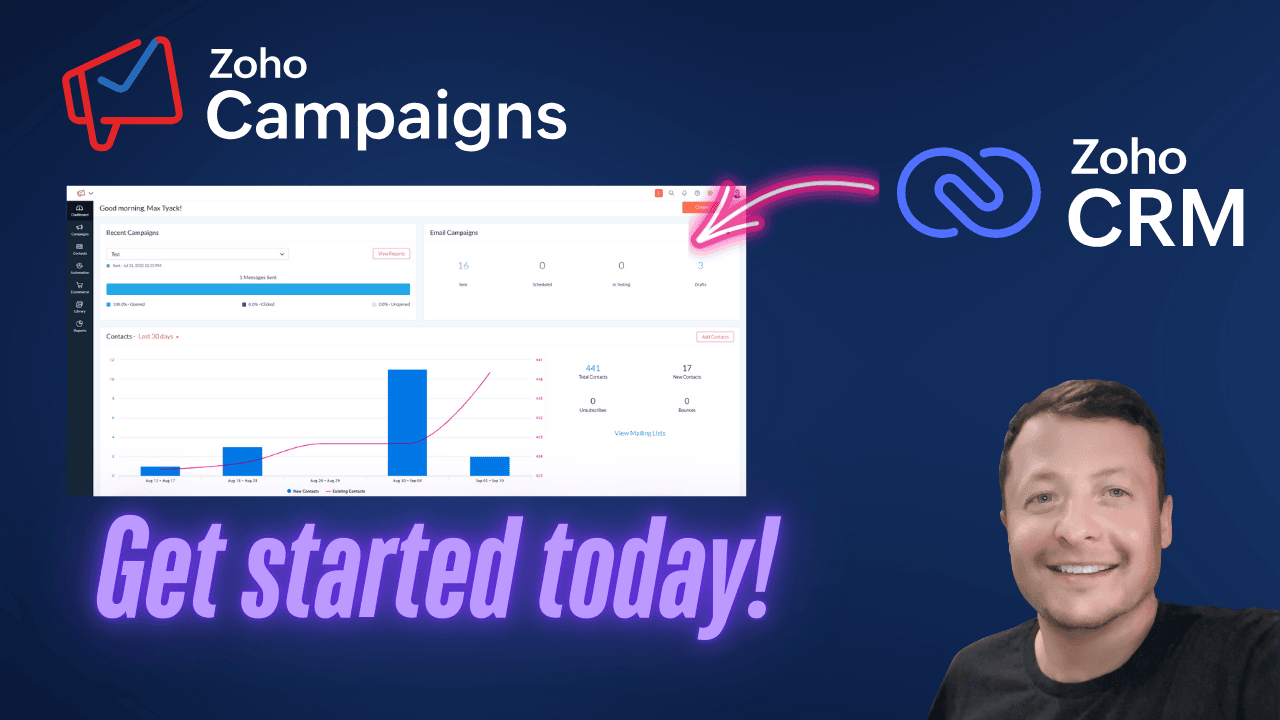
Zoho Campaigns won't work well without some crucial first steps. This guide walks you through verifying your domain, syncing contacts, configuring topics, and setting up segments all inside Zoho's ecosystem.
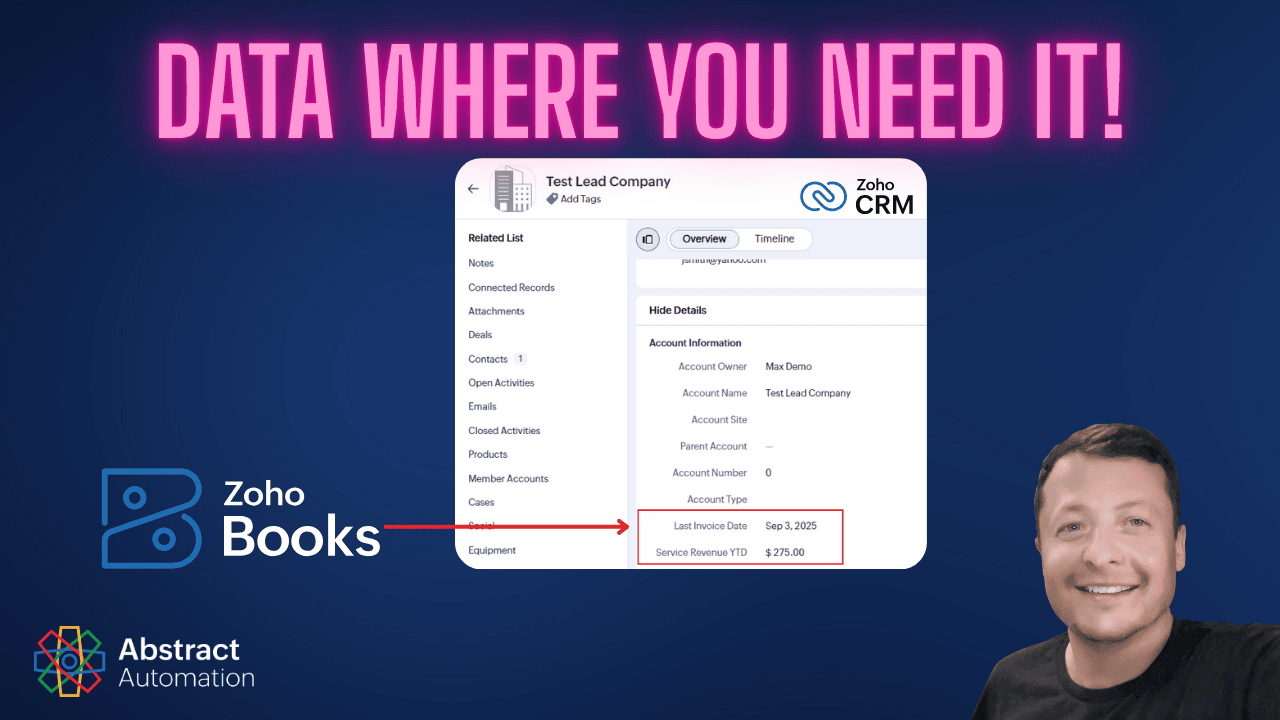
Zoho’s out-of-the-box integration doesn’t give CRM access to all your finance data. Here’s how to push invoice dates and service revenue into CRM fields using custom functions in Zoho Books—so you can finally use that data for filters, dashboards, and campaigns.